
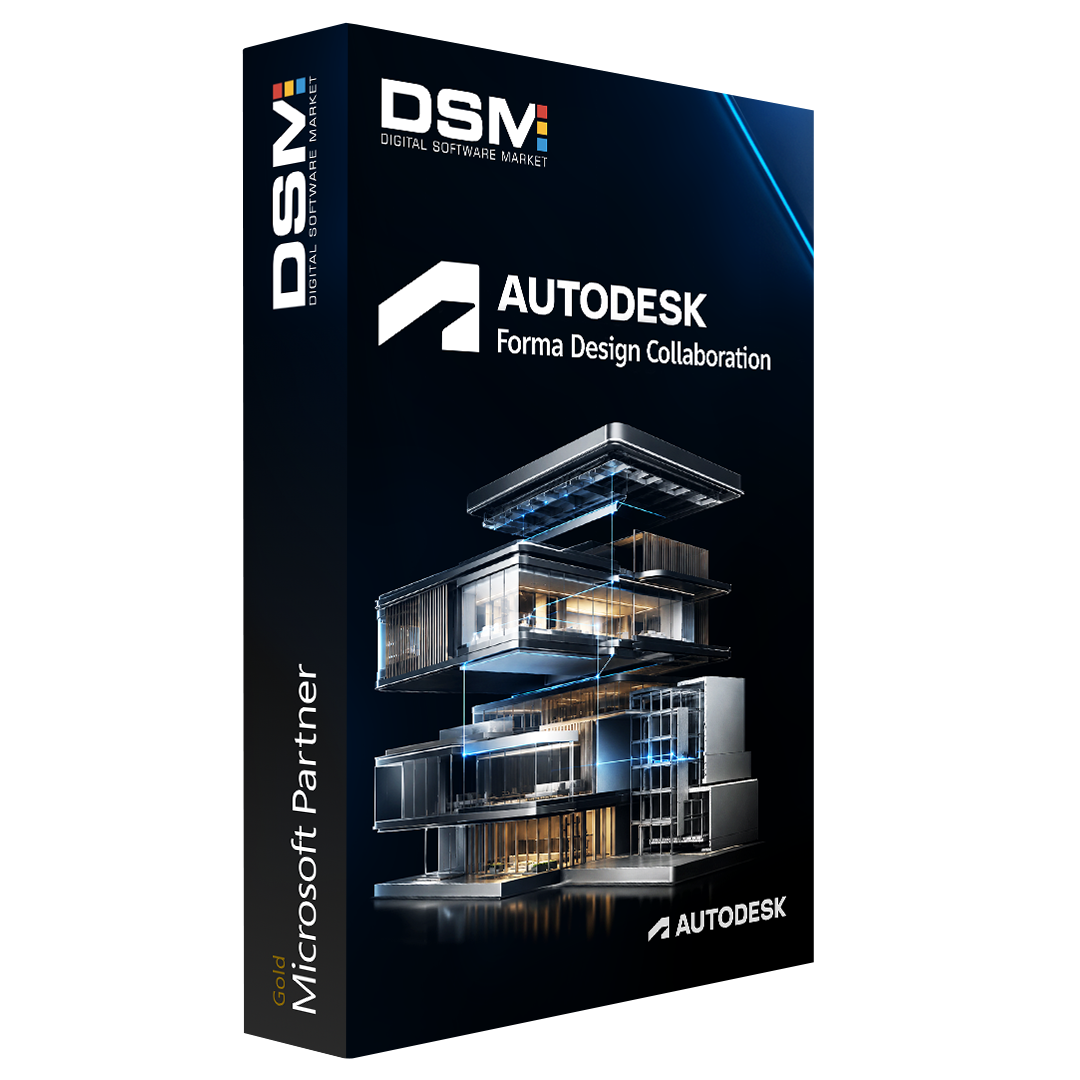
Autodesk Forma Design Collaboration, formerly known as BIM Collaborate Pro, empowers architecture, engineering, and construction teams to work together on complex design projects through a secure, cloud-based platform.
The solution connects project teams, design files, models, and workflows in one centralized environment. Architects, engineers, contractors, and project stakeholders can co-author designs, coordinate multidisciplinary models, review project changes, and maintain control over design information throughout the project lifecycle.
Forma Design Collaboration supports cloud worksharing for compatible versions of Autodesk Revit, Civil 3D, and Plant 3D. Teams can access the latest project information, identify coordination issues earlier, and reduce delays caused by disconnected files, outdated models, or unclear responsibilities.
Because the platform is web-based, users can access projects through supported browsers without installing dedicated desktop software. This makes it easier for distributed teams to collaborate across offices, job sites, and international locations while maintaining controlled access to project data.
Key Features
- Cloud-based design co-authoring and worksharing
- Centralized project models, files, and design data
- Multidisciplinary design coordination
- Controlled workflows and user permissions
- Real-time access to current project information
- Support for Revit, Civil 3D, and Plant 3D workflows
- Improved visibility across design teams
- Secure regional data storage options
- Browser-based access from multiple locations
- Reduced coordination errors and project delays
System and Technical Requirements
Hardware Requirements
Autodesk Forma products are web-based and do not have specific desktop hardware requirements.
A dedicated or stand-alone graphics card is recommended when using the model Viewer. RAM, processor, and graphics performance requirements may vary depending on the size and complexity of the project.
Supported Browsers
A 64-bit browser is recommended for the best viewing and performance experience.
The latest versions of the following browsers are recommended:
- Google Chrome — Recommended
- Microsoft Edge
- Mozilla Firefox
- Apple Safari
Browser versions should generally be no more than one year old to maintain compatibility and continued support.
Important: Internet Explorer 11 is not supported.
Supported Operating Systems
There are no specific desktop operating system requirements because Autodesk Forma Design Collaboration is web-based.
Users should ensure that their operating system supports one of the recommended browsers. Separate system requirements may apply when using the Autodesk Forma mobile application.
Cloud Worksharing Compatibility
Forma Design Collaboration supports cloud worksharing and coordination workflows with compatible versions of:
- Autodesk Revit
- Autodesk Civil 3D
- Autodesk Plant 3D
Compatibility may vary by software release. Users should confirm that their Autodesk application version is supported before activating cloud worksharing.
Disk Space
For Revit Cloud Worksharing, each user should have approximately three times the total disk space used by the equivalent RVT files for all cloud-workshared projects they access.
Recommended calculation:
Required local disk space = Total RVT project file size × 3
Internet Connectivity
A stable, symmetrical internet connection is required for uploading, downloading, synchronizing, and accessing cloud project data.
| Usage Level | Recommended Connection |
|---|---|
| Minimum | Symmetrical 5 Mbps per machine |
| Standard | Symmetrical 10 Mbps per machine |
| High Performance | Symmetrical 25 Mbps per machine |
Connection requirements apply particularly during burst transfers, model synchronization, file uploads, and large project downloads.
Data Storage Regions
When activating an Autodesk Forma hub, administrators may select an available regional data storage location for that hub.
The selected region determines where supported project information and cloud data are stored. Availability of specific Autodesk Forma products and services may vary by data storage region.
Additional Requirements
- Active Autodesk account
- Valid Autodesk Forma Design Collaboration subscription
- Reliable internet connection
- Supported 64-bit web browser
- Appropriate project and hub access permissions
- Compatible Autodesk software version for cloud worksharing
- Sufficient local storage for synchronized Revit project files
Reviews
There are no reviews yet.